
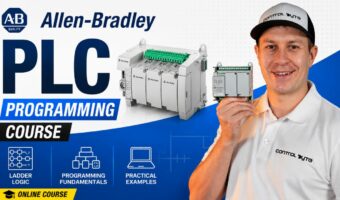
Allen-Bradley Micro800 PLC Programming from Scratch (LAD/FBD)
About This Course
 This comprehensive course takes you from zero to professional-level Allen-Bradley PLC programming. Whether you’re just getting started with industrial automation or looking to sharpen your skills on Rockwell Automation hardware, this course covers everything you need — from basic ladder logic to advanced Studio 5000 programming and real-world projects.
You’ll start by understanding PLC hardware: MicroLogix, CompactLogix, ControlLogix, Point I/O and Remote I/O systems. Then you’ll dive deep into RSLogix 500 programming — mastering every essential instruction including XIC, XIO, OTE, OTL, OTU, ONS timers, counters, comparators, math functions, and scaling. Along the way you’ll tackle hands-on mini challenges that reinforce each concept.
From there, the course moves into professional best practices and troubleshooting — learning how to analyze complex rungs, avoid common programming mistakes, use RSLogix Emulate 500, apply I/O forces and cross-referencing tools.
You’ll then build two complete real-world projects from scratch: a MicroLogix 1100 presence detection system and a full HMI + CompactLogix light control system built in FactoryTalk View ME — including animations, numeric displays, screen layout design and external I/O fault handling.
The final sections cover RSLogix 5000 / Studio 5000 in depth: tag-based programming, UDT structures, external hardware configuration (1769 I/O modules and PowerFlex 525 drives), MSG instructions between PLCs, trending, and Add-On Instructions (AOI). The course wraps up with a complete alarm and fault handling framework you can use in production environments.
75 lessons. 8 modules. Real hardware. Real projects. Real skills.
Learning Objectives
Requirements
- Basic understanding of electrical circuits and relays is helpful but not required
- A Windows PC capable of running RSLogix 500 and RSLogix 5000 / Studio 5000
- RSLogix 500 (free version available – covered in the course) and RSLinx Classic
- RSLogix 5000 or Studio 5000 (trial or full license)
- No prior PLC programming experience required – we start from the very beginning
Target Audience
- Automation engineers and technicians wanting to learn Allen-Bradley PLCs
- Electrical engineers transitioning into industrial automation
- Students and graduates looking to enter the PLC programming field
- Hobbyists and makers who want to learn industrial control systems
- Anyone who has completed basic PLC training and wants to go deeper with Allen-Bradley software
Curriculum
Installing Connected Components Workbench
Create an account and download free CCW software00:1:59
Installing Connected Components Workbench
First CCW project and PLC simulator
Introduction to variables and memory areas
Basic LD Language Instructions
How the PLC Executes the Program
Assignment Instruction, SET RESET Coils
Edge Detection Instructions
FBD Logic Instructions
Timer Instructions
Counters
Compare operators
Project – Sorting Line
Math Functions
Process Control Instructions
Integer Operations
Floating-Point Operations
Project – Proportional Tank Level Controller
Program Flow Control – JMP and LABEL
DERIVATE, INTEGRAL Instructions
User-Defined Functions and Function Blocks
Project – Pumping station
BONUS: Analog Inputs / Outputs
BONUS: MICRO800 Hardware wiring
BONUS: Real MICRO800 PLC Programming
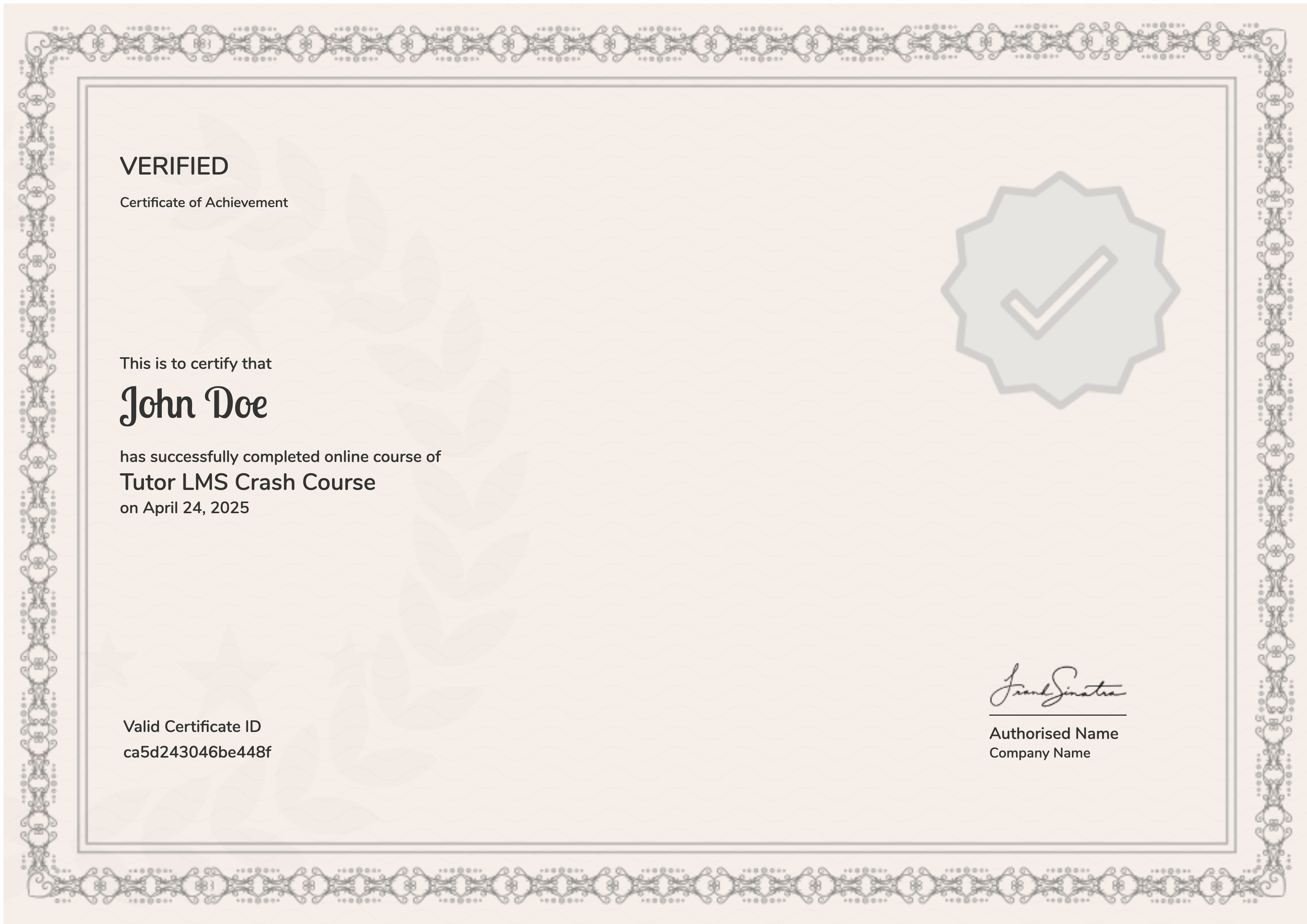
Earn a certificate
Add this certificate to your resume to demonstrate your skills & increase your chances of getting noticed.
Your Instructors
249,00 €400,00 €
